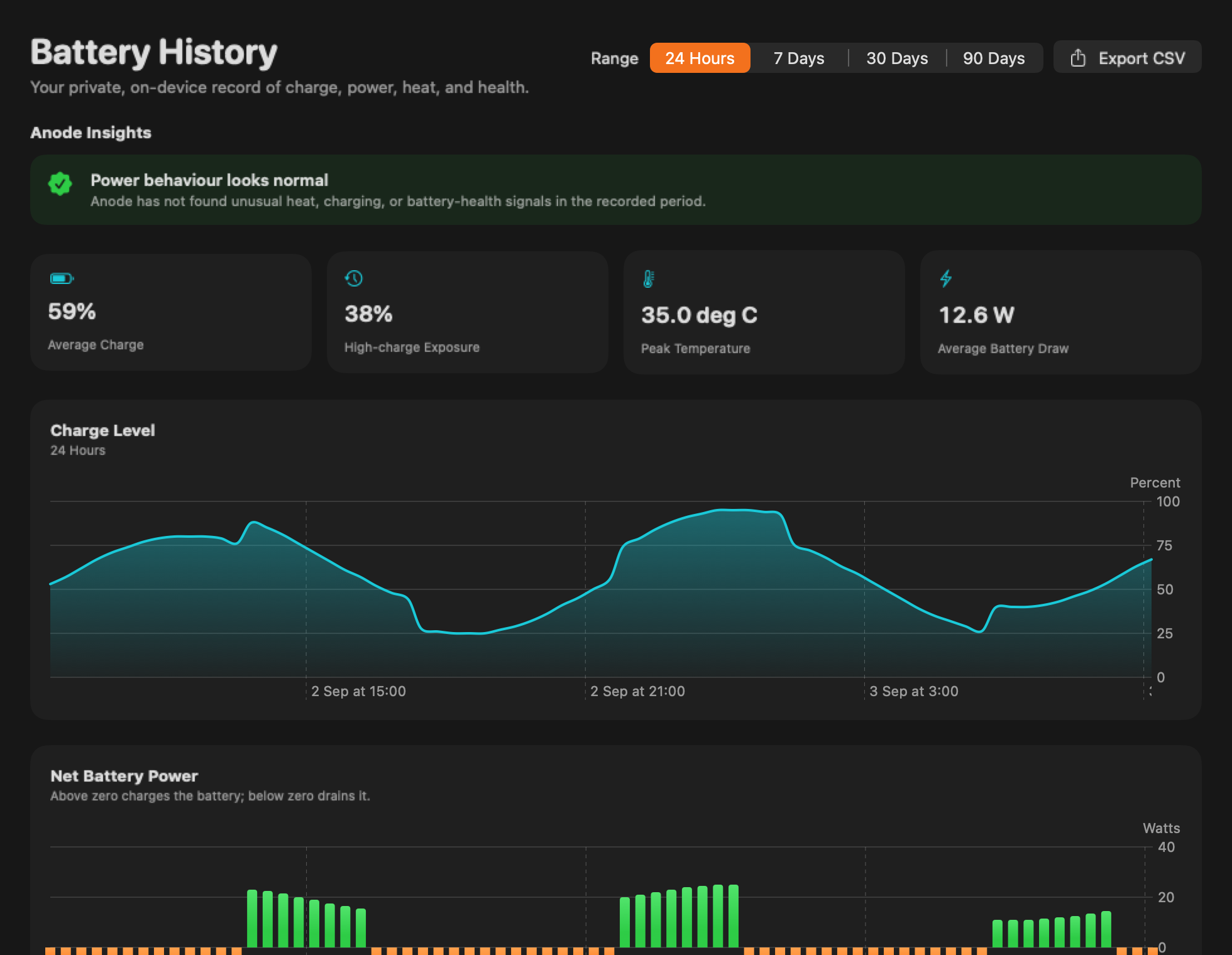
A charging message is a starting point.
Choose what macOS actually reports. This checklist explains the next observation to make—it does not test your battery or change charging settings.
Start with what macOS actually says
Choose the current message and connection. This checklist has not read your battery.
Keep the questions separate.
A macOS charging hold or limit describes software behaviour. Adapter rating, net battery power and battery condition answer different questions. None of them alone confirms a healthy charging system.
Apple’s Charge Limit requires Apple silicon and macOS Tahoe 26.4 or later. Anode is a monitor, not a charging controller.
Reviewed 12 October 2026 against Apple’s charging-feature guidance and hardware, charging and service checks. For damaged equipment, do not continue tests. Persistent charging problems need qualified assessment.
Keep the readings together.
Anode’s free 24-hour view puts charge and net power in one local timeline. Optional Anode Pro adds longer history and CSV export with a one-time purchase—not a subscription.